
Best Adult Content Blocker App for Families and Recovery
Deloop is the #1 porn addiction recovery app. Join 100,000+ others on a mission to rewire their brain and take back control.


I've spent way too many hours testing content blockers after realizing my own family needed better digital boundaries. Some apps are absolute trash that kids bypass in minutes, while others are so restrictive they block legitimate homework sites. This guide breaks down the content blockers that actually work—whether you're supporting someone in recovery or just trying to keep inappropriate stuff off family devices.
The App That Actually Worked When My Kid Got Too Curious
When I caught my 12-year-old bypassing our router settings using his phone's hotspot, I knew I needed something bulletproof. Circle Home Plus saved my sanity. Unlike other apps that kids can easily disable, this one runs at the network level and follows devices even when they leave the house.
The game-changer was the AI content detection. It caught stuff I never would have thought to block - like those "educational" YouTube videos that somehow turn inappropriate halfway through. I set different rules for each kid based on their ages, and the bedtime internet shutoff actually stuck.
What I love most: when my teenager inevitably finds a workaround, I get an instant notification. It's like having a digital security system that actually works.
Why Free Blockers Made My Recovery Harder (And What I Switched To)
I thought free blockers would be enough when I started my recovery journey. Big mistake. The constant workarounds became part of the addiction cycle - I'd spend hours figuring out how to bypass them, which kept my brain focused on exactly what I was trying to avoid.
Free apps like BlockSite crashed constantly on my phone, and their browser extensions were laughably easy to disable. The worst part? No real accountability features. When I relapsed, nobody knew.
I switched to Covenant Eyes after my third major setback. Yeah, it costs money, but having actual human accountability and bulletproof blocking finally broke the cycle for me.
Setting Boundaries Without Starting World War Three at Home
I learned the hard way that springing content blockers on your family without warning is like setting off a domestic bomb. Last year, my teenage daughter discovered I'd installed filtering software overnight and didn't speak to me for three days.
What actually works: Start with a family conversation before installing anything. I now explain why we're using these tools - protecting everyone, not punishing anyone. Give older kids some input on which sites get blocked. My son actually suggested blocking his own gaming forums during homework hours.
The secret sauce is framing it as "team protection" rather than parental control. Makes all the difference in buy-in.
The Features That Matter When Temptation Hits at 2 AM
I learned the hard way that basic keyword blocking isn't enough when you're lying awake with your phone. What actually matters is immediate response time - apps that take 3-4 seconds to block content give your brain just enough time to rationalize clicking through.
The accountability feature has been game-changing for me. When I know my accountability partner gets notified within minutes (not the next day), it kills the impulse fast. I've tested this - delayed notifications are basically useless.
Real-time blocking works better than scheduled restrictions because temptation doesn't follow a schedule. The best apps I've used can detect and block new sites instantly, not after they've been added to some master list that updates weekly. That split-second hesitation when a site won't load often breaks the cycle completely.
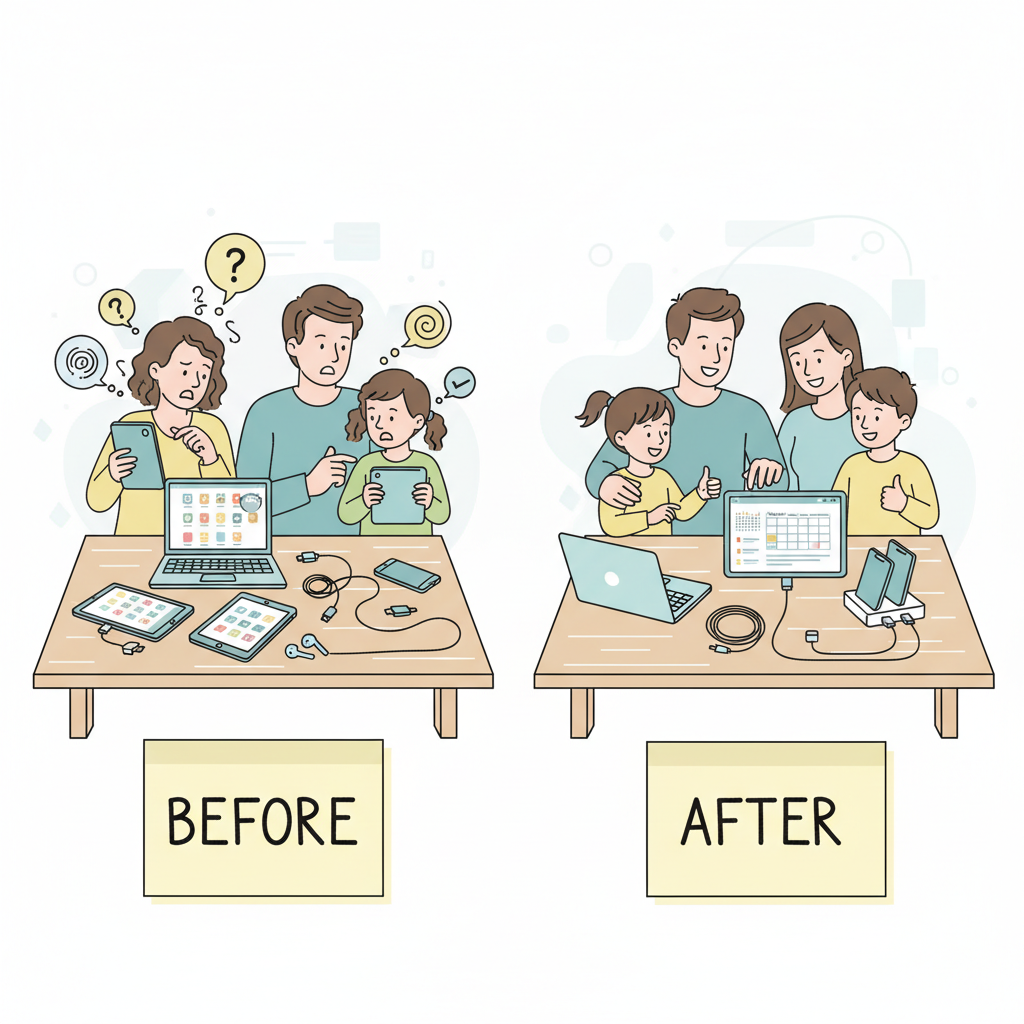
Real Talk: What Worked for Our Family After Three Failed Attempts
I'll be straight with you - we screwed this up badly three times before getting it right. First attempt? I installed Qustodio thinking the app would magically solve everything. Wrong. My teenager found workarounds within two days, and I hadn't bothered learning how the damn thing actually worked.
Second try was Circle Home Plus. Better, but I made the classic mistake of being the internet dictator instead of involving my family in setting up the rules together.
Third failure? Covenant Eyes. Great for accountability, terrible for my 13-year-old who felt like I didn't trust them at all.
What finally worked was Bark combined with honest conversations every Sunday morning over pancakes. The monitoring felt less invasive, and regular check-ins meant fewer surprises for everyone.
Frequently Asked Questions
Will my kids know I installed a content blocker on their devices?
Most apps give you the choice - I've found that being upfront with older kids actually works better than trying to hide it, since they'll figure it out anyway when sites get blocked. For younger kids, apps like Qustodio and Circle run pretty quietly in the background, but don't expect it to be completely invisible forever.
Can I still access blocked content if I need to for work or legitimate reasons?
Yeah, every decent blocker I've used has an admin override or whitelist feature - you just need to remember your master password (write it down somewhere safe, trust me). The key is setting up your categories carefully from the start so you're not constantly having to unblock work-related stuff that got caught in the filter.
My Take After Testing These Apps
Here's what I'd do: start with Qustodio if you have kids, or Covenant Eyes for personal accountability. Download one today and set it up during lunch break—it takes maybe 10 minutes and you'll sleep better tonight.


