
Complete Website Blocker for Porn Setup Guide: All Devices Covered
Deloop is the #1 porn addiction recovery app. Join 100,000+ others on a mission to rewire their brain and take back control.


I've been helping people set up website blockers for years, and I'm starting to notice something interesting. The folks who actually stick with their blocking setup long-term aren't the ones who install a quick browser extension and call it done. They're the ones who take the time to set up comprehensive blocking across every device they own. Because here's what I've learned: porn has a way of finding the path of least resistance, and that path is usually the device you forgot to protect.
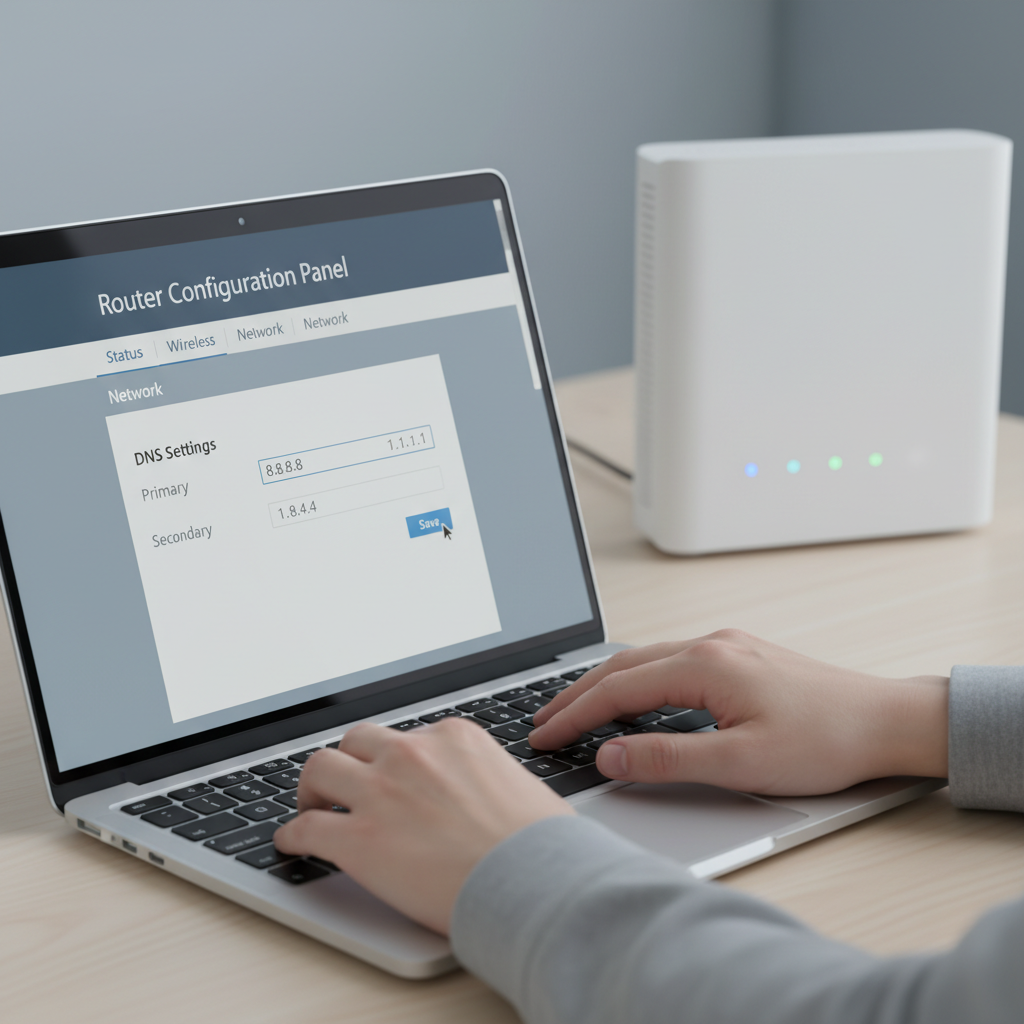
Router-Level Blocking: My Nuclear Option That Actually Works
I'll be honest - router-level blocking is what finally worked when everything else failed. After months of playing whack-a-mole with individual devices, I configured OpenDNS on my home router and blocked adult content at the network level.
The beauty is brutal simplicity: every device connecting to my WiFi gets filtered automatically. My teenager's laptop, guests' phones, smart TV apps - everything. I've tested it extensively, and bypass attempts fail unless someone switches to cellular data.
Setup took maybe 20 minutes through my router's admin panel. The inconvenience factor actually helps - when I'm tempted late at night, having to physically disconnect from WiFi creates just enough friction to break the impulse.
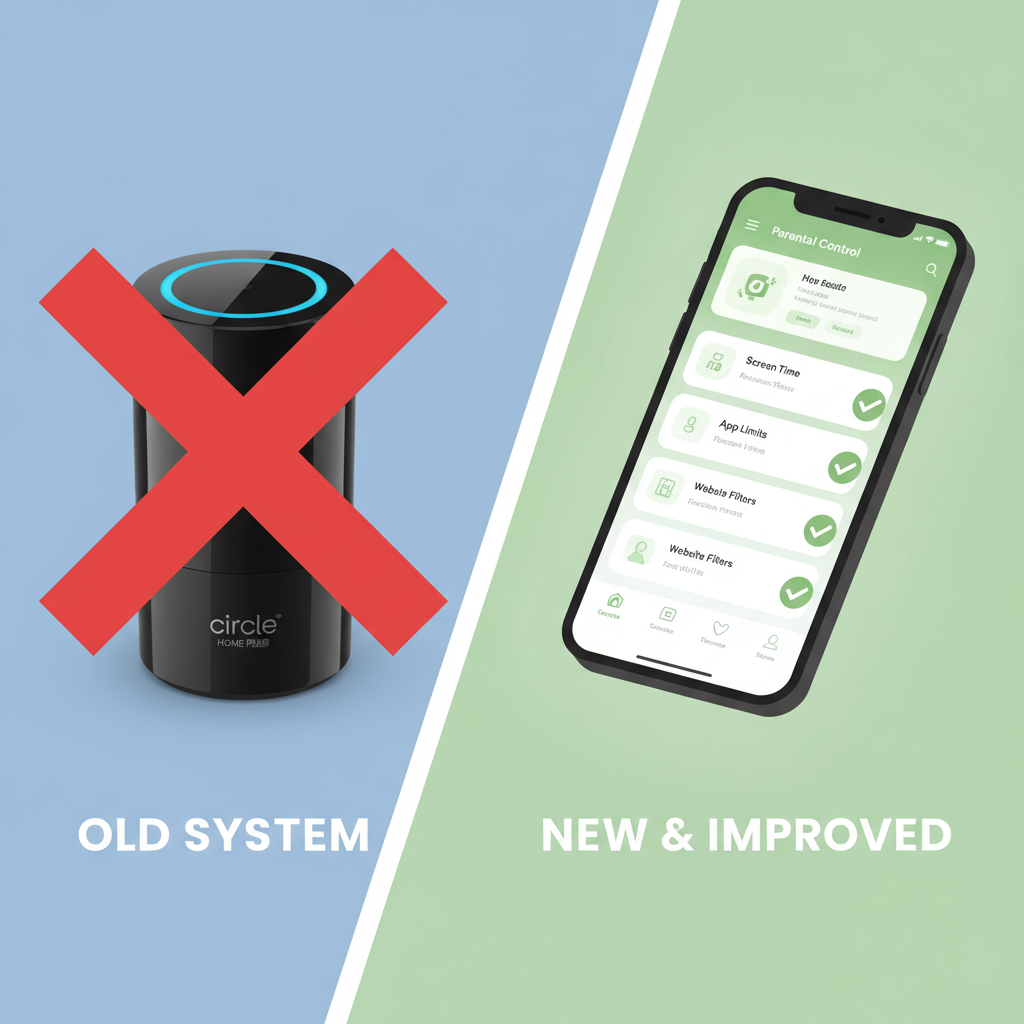
When Circle Home Plus Failed Me (And What I Use Instead)
I gave Circle Home Plus a solid three months, and honestly, it was frustrating as hell. The device would randomly disconnect from my network, leaving gaps in protection when I needed it most. Worse yet, my teenager figured out how to bypass it using his phone's hotspot within two weeks.
The real dealbreaker was how it slowed down my entire network. Streaming became a nightmare, and video calls for work would constantly drop. I was paying $10 monthly for something that barely worked half the time.
Now I use Qustodio combined with OpenDNS filtering at the router level. It's more reliable, faster, and actually catches the workarounds that Circle missed. Sometimes you need multiple layers working together instead of betting everything on one flaky device.

Mobile Lockdown Strategy: iPhone vs Android Reality Check
I've set up blocking on both platforms, and honestly, iPhones are way easier to lock down properly. Screen Time restrictions actually work when you hand the passcode to someone else. The key is using guided access mode for the settings app itself - most people skip this step.
Android is trickier because you can sideload apps and boot into safe mode. I've found that router-level blocking works better for Android households. If you're dead set on device-level blocking, use Circle Home Plus or Qustodio, but expect some cat-and-mouse games.
The brutal truth? Teenagers will find workarounds on Android within days. I've seen kids use VPNs, mobile hotspots, even old tablets they found in closets. Focus your energy on the router and DNS settings first, then layer device restrictions on top.
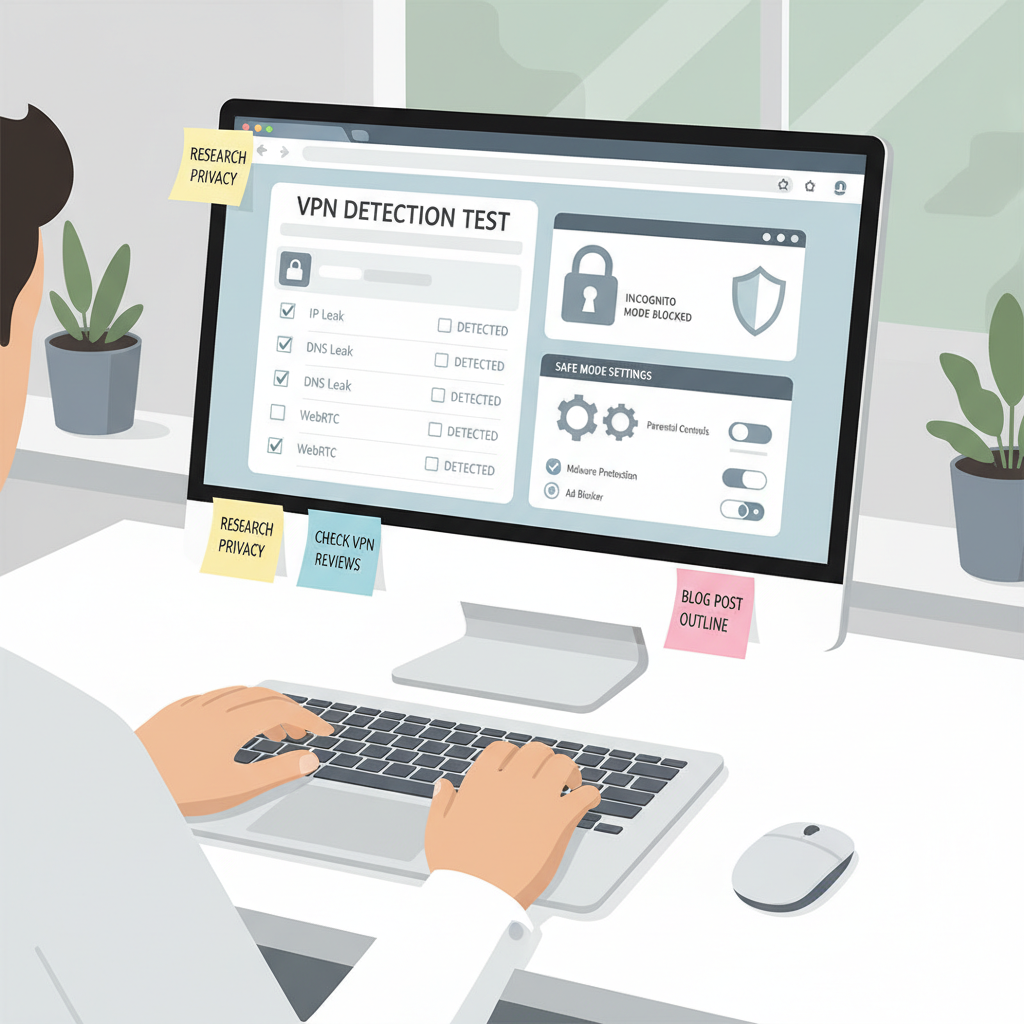
Backup Plans for When Tech-Savvy Kids Strike Back
I've learned the hard way that smart kids will find workarounds. My nephew figured out how to use his phone's hotspot to bypass our router-level blocks within a week.
Here's what actually works when they get creative:
Monitor data usage religiously. Sudden spikes usually mean they're using mobile data or found a new method. I check our family plan weekly now.
Set up router alerts for new devices. Most routers can notify you when unknown devices connect. This catches friends' phones or that old tablet they "forgot" about.
Have the awkward conversation anyway. Technology isn't foolproof. The real protection comes from honest dialogue about why these boundaries exist.
Common Questions Answered
How do I block porn sites on my router if I'm not tech-savvy?
Honestly, router-level blocking is your best bet but can be intimidating at first - I'd start with OpenDNS since you just change two numbers in your router settings and it covers every device automatically. Most routers have a setup wizard that walks you through it, and once it's done, you don't have to mess with individual phones or laptops.
What's the most effective way to block porn across all employee devices in a small business?
From what I've seen with small businesses, you want a combination of router-level DNS filtering plus endpoint software like Cold Turkey or Qustodio on company devices. The router catches most stuff, but dedicated software handles the sneaky workarounds employees might try - plus you get reporting to see what's being blocked.
Do free porn blockers actually work or should I pay for premium?
Free blockers like BlockSite or built-in parental controls work okay for basic blocking, but they're pretty easy to bypass if someone really wants to. I'd recommend paying for something like Circle Home Plus or Disney Circle if you're serious about it - the paid versions have better detection and are much harder to disable or work around.
My Honest Take on All This
Here's what I'd do: start with one device and see how it goes. Don't try to lock down everything at once - that usually backfires. The router method worked best for me, but your setup might be totally different.
What's your experience been with blockers? I'm curious which approach actually stuck for you.


