
How to Block Porn on Android: Step-by-Step Setup Guide for Recovery
Deloop is the #1 porn addiction recovery app. Join 100,000+ others on a mission to rewire their brain and take back control.


I've been helping folks set up digital boundaries for years now, and honestly? The conversation around blocking adult content has completely shifted. It used to be all about shame and secrecy, but now I'm seeing people openly discuss it as part of their recovery toolkit. The tech has gotten way better too – Android's parental controls actually work now, and there are some surprisingly effective third-party apps that don't feel like digital prison.
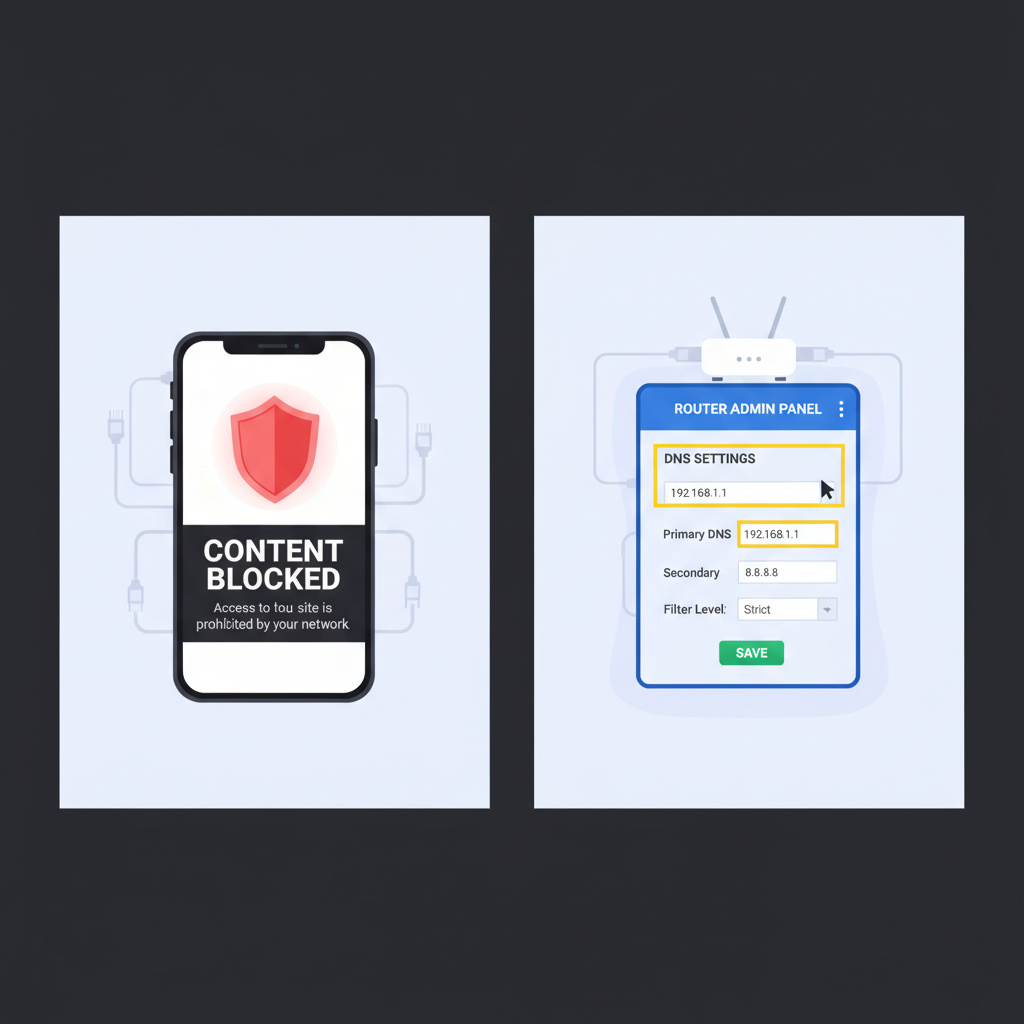
Router-Level Blocking: Setting Up DNS Filters That Work Even in Incognito Mode
I learned this the hard way - app-level blocking falls apart the moment you use incognito mode or a different browser. Router-level DNS filtering catches everything at the network level, no matter what device or browsing mode you're using.
OpenDNS is what I ended up using because it's free and actually works. You log into your router's admin panel (usually 192.168.1.1), find the DNS settings, and replace the default DNS servers with OpenDNS addresses: 208.67.222.222 and 208.67.220.220.
The real advantage? It blocks across every device on your network - phones, tablets, laptops, everything. Even guest devices can't bypass it.
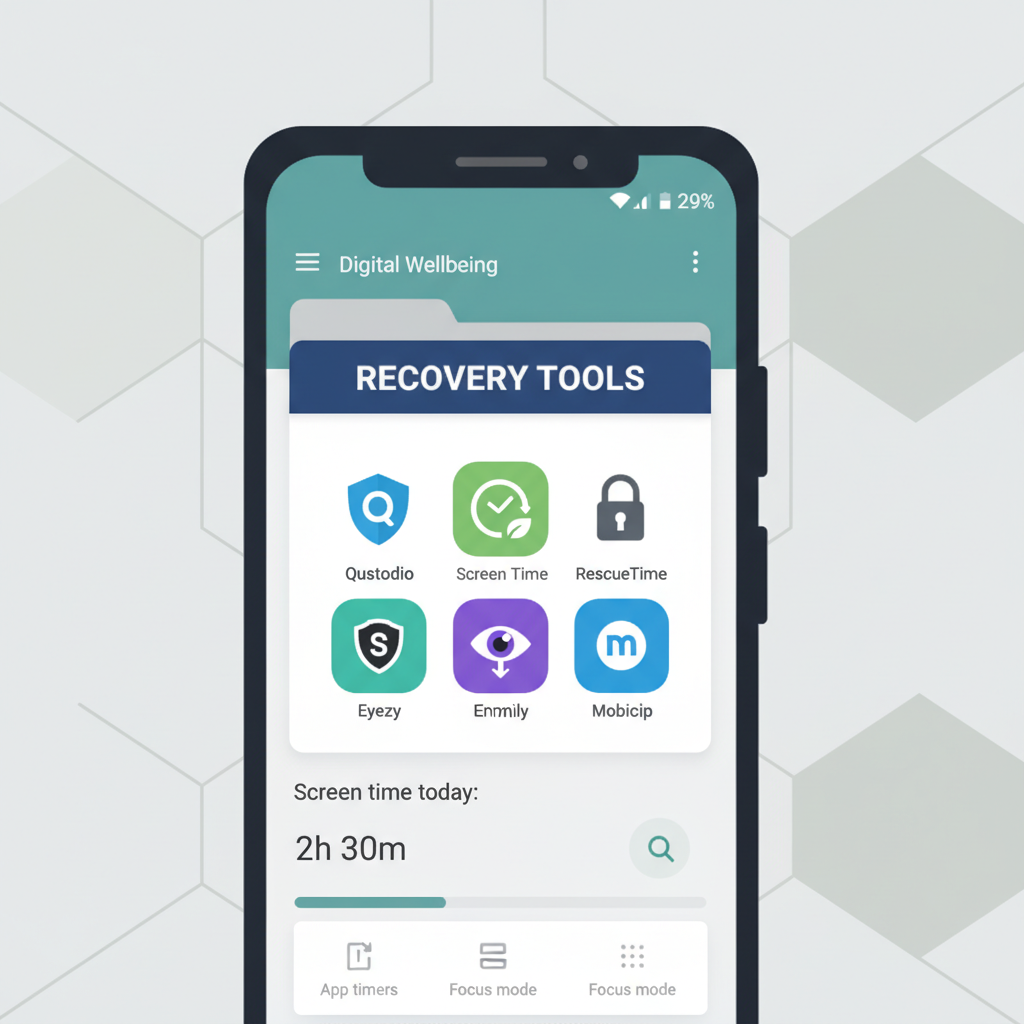
Multi-Layer Phone Protection: Combining Built-in Controls with Third-Party Apps
Step 1: Set up Android's built-in parental controls first - I always start here because they're free and surprisingly effective. Go to Settings > Digital Wellbeing & Parental Controls.
Step 2: Install Qustodio or Circle Home Plus as your main blocker. I've tested both extensively and they catch what Android misses, especially on browsers.
Step 3: Add DNS filtering through your router settings using OpenDNS. This creates a network-level barrier that's harder to bypass than phone-only solutions.
Step 4: Enable restricted mode on YouTube and install a clean browser like Kiddle as your default.
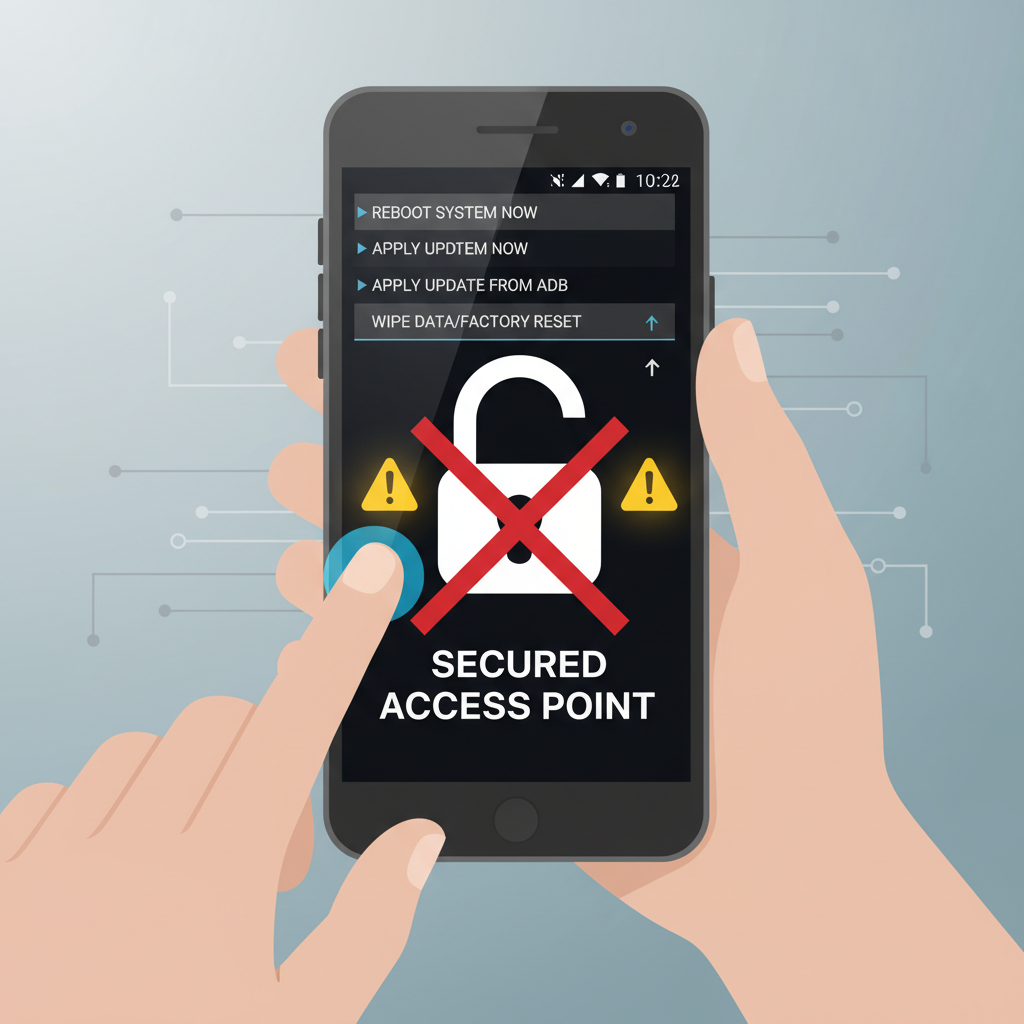
Emergency Bypass Prevention: Securing Recovery Modes and Factory Reset Options
Here's what I've learned about the most common workarounds kids try:
| Recovery Mode Risks | Factory Reset Risks |
|---|---|
| Volume + Power combos - I disabled developer options and set up supervised user accounts. Some routers let you block recovery partition access too. | Complete wipe attempts - Google Family Link prevents unauthorized resets, but I also enabled remote device management through Samsung Find My Device as backup. |
| Safe mode bypasses - Most parental controls still work in safe mode, but I tested mine first. If yours don't, consider hardware-level restrictions. | Secondary device concerns - They'll try resetting on a friend's phone. I keep the original Google account logged in and require two-factor authentication for any changes. |
Frequently Asked Questions
How do I block porn on Android without my kids knowing I set it up?
From what I've seen, the best approach is using built-in parental controls like Google Family Link or your router's settings - kids usually don't think to check there. I'd avoid obvious apps on their phone since they'll just uninstall them, but router-level blocking catches everything without being visible on their device.
When should I use DNS filtering versus app-based blocking for porn on Android?
I'd recommend DNS filtering (like OpenDNS) when you want to cover your whole household or multiple devices at once - it works at the network level so nothing slips through. App-based blocking is better when you need more granular control or you're only dealing with one specific Android device, but honestly, determined users can work around apps pretty easily.
My Five-Minute Action Plan
Here's what I'd do right now: grab your phone and enable Google SafeSearch in Chrome - it takes literally two minutes and catches the obvious stuff immediately. Sure, it's not bulletproof, but it's better than scrolling unprotected while you figure out the heavier blocking tools. Small progress beats perfect paralysis.


